Figma to Webflow: How to Transfer Designs to Live Website and Save Time

Zarnish Khan
Sep 22, 2023 · 5 min read
Designing a website is an intricate process that often involves multiple iterations, collaboration with various team members, and careful attention to detail. In recent years, two powerful tools have gained prominence in the web design world: Figma and Webflow.
Figma is an excellent choice for collaborative design work, while Webflow empowers designers to create responsive, interactive websites without writing a single line of code.
In this blog, we'll explore how to seamlessly transfer designs from Figma to Webflow, saving you valuable time and ensuring a smooth transition from design to a live, functioning website.
STEPS FOR TRANSFERRING FIGMA TO WEBFLOW
Organize Your Figma Design
Before exporting anything, ensure your Figma design is well-organized. Create separate artboards or frames for different pages and components. Properly name layers and groups to make the transition to Webflow more straightforward.
Export Images and Assets
Figma allows you to export assets easily. Select the elements or layers you want to export (like images, icons, or backgrounds) and choose the appropriate format (JPEG, PNG, SVG, etc.). Maintain a consistent naming convention to keep track of your assets.
Convert Text to Webflow
Webflow uses web-safe fonts and Google Fonts. If your Figma design uses custom fonts, you may need to adjust your typography in Webflow to ensure consistency. Manually replicate text elements and apply the chosen fonts.
Recreate Layouts and Components
Webflow provides a range of layout tools and components to create responsive designs. Replicate your Figma layouts using Webflow's grid and flexbox systems. Create reusable components in Webflow for elements like headers, footers, or navigation bars.
Transfer Color Styles
Ensure consistency in your website's color scheme by transferring color styles from Figma to Webflow. Use the same HEX or RGBA values to maintain design integrity.
Add Interactivity
Webflow excels in creating interactive elements. Use its interactions and animations features to bring your Figma design to life. This includes hover effects, scroll animations, and more.
Responsive Design
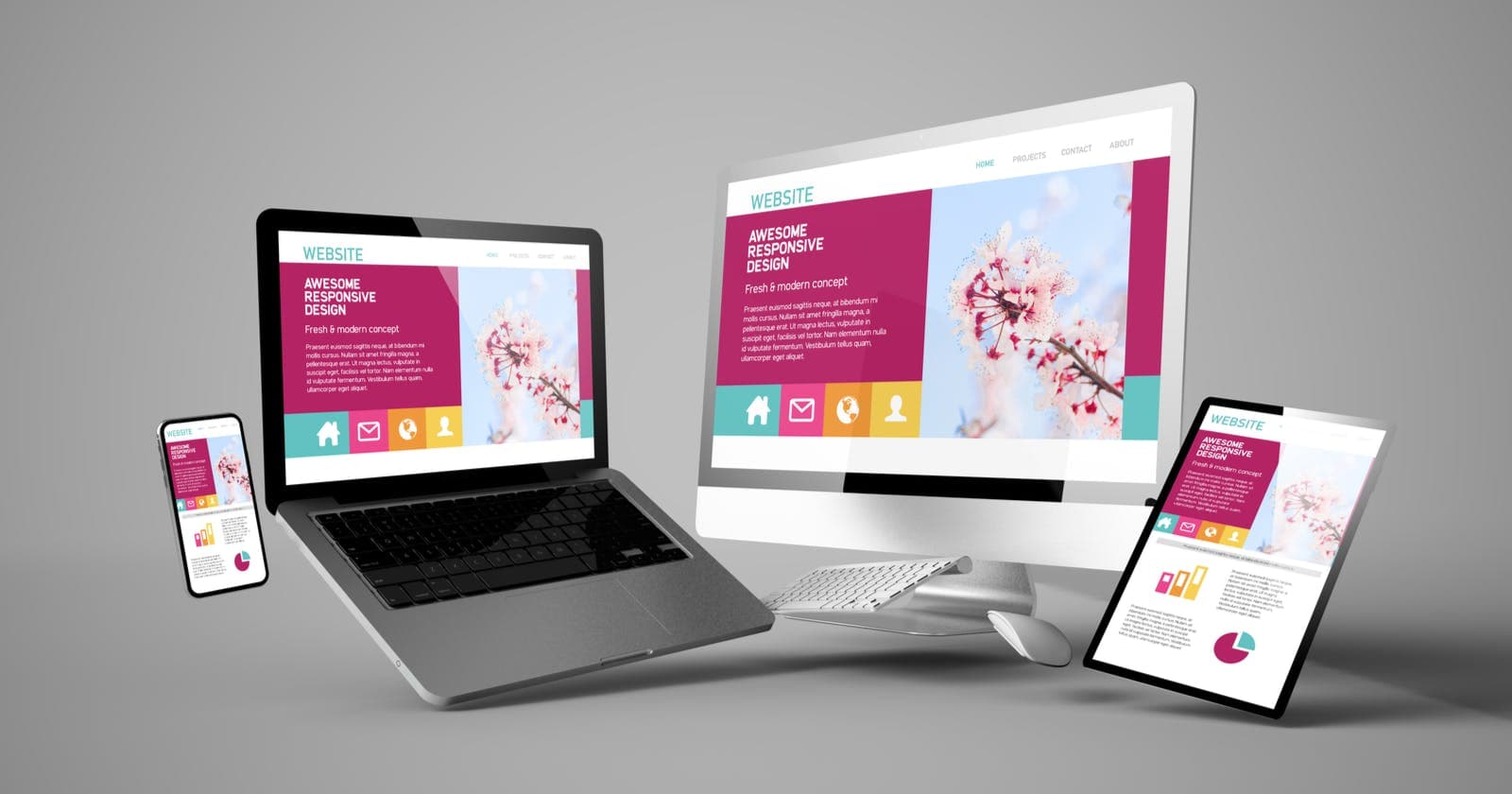
Webflow's responsive design capabilities make it easy to adapt your design for various screen sizes. Test your site on different devices to ensure it looks and functions well across the board.
Testing and Optimization
Thoroughly test your Webflow website for functionality and responsiveness. Pay attention to load times and optimize images and assets for faster performance.
SEO and Accessibility
Webflow offers built-in SEO settings and tools to ensure your website is discoverable on search engines. Additionally, make sure your website adheres to accessibility guidelines for inclusivity.
Publish Your Site
Once your website is ready, you can publish it directly from Webflow. Choose your hosting plan, set up a custom domain if desired, and your site is live on the web.
Figma Vs Webflow
As mentioned earlier, in the realm of web design and prototyping, Figma and Webflow have emerged as two powerful contenders, each with its unique strengths and purposes. Understanding their differences can help you make an informed choice based on your specific design needs.
Figma: Collaboration and Prototyping
Figma is renowned for its collaborative features, making it an ideal choice for design teams. Multiple users can work on a project simultaneously, commenting and editing in real time.
It's web-based, so there's no need to install software, ensuring seamless cross-platform compatibility. Figma is highly intuitive for creating user interfaces and prototypes, with a focus on design consistency and efficient workflows.
Webflow: Web Design and Development
Webflow, on the other hand, is a comprehensive web design and development platform. It empowers designers to create responsive, custom websites visually, without writing code. With a powerful CMS (Content Management System) and hosting options, Webflow is the go-to choice for turning designs into live websites. It offers robust interactions and animations for creating dynamic web experiences.
How To Choose Between Figma and Webflow?
Choosing between Figma and Webflow ultimately depends on your role and project requirements. If you're primarily focused on collaborative design and prototyping, Figma is an excellent choice.
However, if you want to take your designs to the next level and turn them into fully functional websites without coding, Webflow is the way to go. In some cases, designers may even find value in using both tools in tandem, leveraging the strengths of each throughout the design and development process.
Our Expertise in Figma and Webflow as A Web Design and Development Company
eBridge, as a leading website design company, takes immense pride in our proficiency with cutting-edge tools and technologies. Figma and Webflow stand out as two of our primary pillars of expertise, empowering us to deliver exceptional digital experiences to our clients.
Proficiency of Figma
Figma is the heart of our collaborative design process. We harness its capabilities to facilitate seamless teamwork, ensuring that our design concepts come to life with precision and coherence. With Figma, our designers create visually stunning, user-centric interfaces and prototypes that serve as the blueprint for captivating websites.
Fluency in Webflow
When it comes to translating designs into live, interactive websites, Webflow is our toolkit of choice. Our website development services leverage Webflow's robust capabilities to build responsive, custom websites with unparalleled efficiency. We transform static designs into dynamic, user-friendly web experiences, all without writing a single line of code.
The Synergy of Expertise:
Our proficiency in both Figma and Webflow is where the magic happens. We seamlessly bridge the gap between design and development, ensuring that every pixel-perfect detail envisioned in Figma translates flawlessly into the fully functional websites built with Webflow. This cooperation empowers us to create digital solutions that not only meet but exceed our clients' expectations.
Wrap Up
Transferring designs from Figma to Webflow streamlines the web development process and saves time. It allows designers to focus on the creative aspect while ensuring seamless integration into a live website.
With practice, this workflow can be a game-changer for designers looking to bring their designs to life efficiently.
Hence, in a digital landscape that demands innovation and excellence, our expertise in Figma and Webflow positions us as a reliable partner for businesses seeking to elevate their online presence.
Whether you're looking for captivating design concepts, flawless development, or a harmonious blend of both, our mastery of these tools ensures that your digital vision becomes a reality, leaving a lasting impact on your audience.